Based on 42 reviews
98%
(41)
2%
(1)
0%
(0)
0%
(0)
0%
(0)
Snaptoonify respects your privacy and gives you the right to request the deletion of personal data associated with Facebook Login.
To request the deletion of your data:
Contact us using the contact form available on the Snaptoonify website.
Enter the email address connected to your Snaptoonify account.
Write “Facebook Data Deletion Request” in your message.
After receiving your request, we will verify your identity and delete the personal data associated with your Facebook Login and Snaptoonify account, unless we are legally required to retain certain information.
We will process your request within 30 days and confirm when the deletion has been completed.
You can also remove Snaptoonify directly from your Facebook account:
Open Facebook and go to Settings & privacy.
Select Settings.
Open Apps and websites.
Find Snaptoonify and select Remove.
Removing the application stops future access to your Facebook account information. If you would also like us to delete data already stored by Snaptoonify, please submit a deletion request using the instructions above.
For more information about how we process personal data, please read our Privacy Policy.
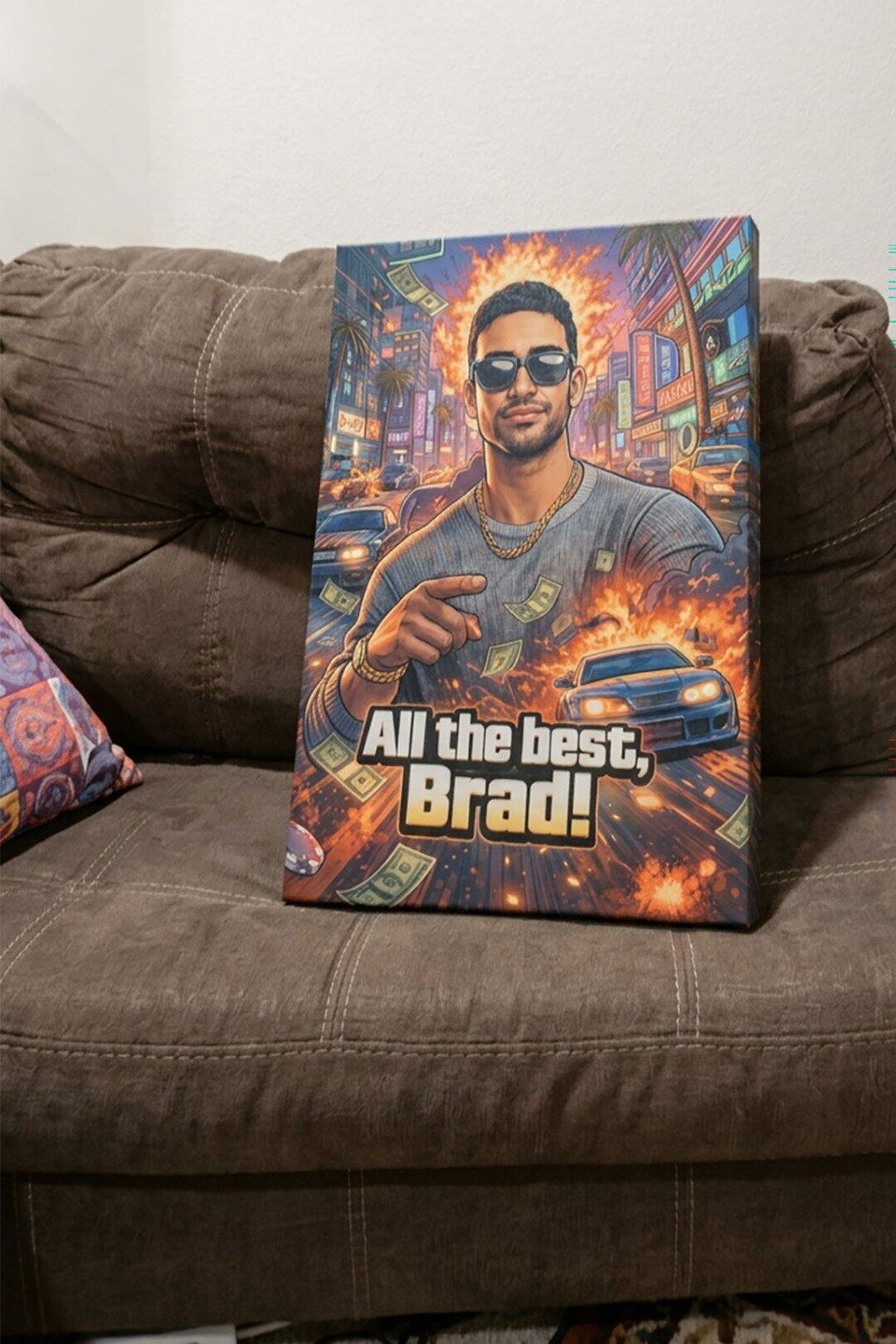
It was a gift for my brother, who’s a serious gamer. He was absolutely blown away. Good experience overall. Simple process, awesome service, and a speedy turnaround.
I’m not very computer savvy, but uploading a picture was so easy. Fine-tuning how I wanted it to look was simple too. The finished product is perfect. I’m absolutely delighted and will be recommending it to my friends.
My daughter surprised me with this lovely picture and I couldn’t be happier. It looks perfect. Such a thoughtful gift. I’m over the moon with it.
My picture arrived today and it looks awesome! Great quality and solid workmanship. Very happy with the service and the final product.
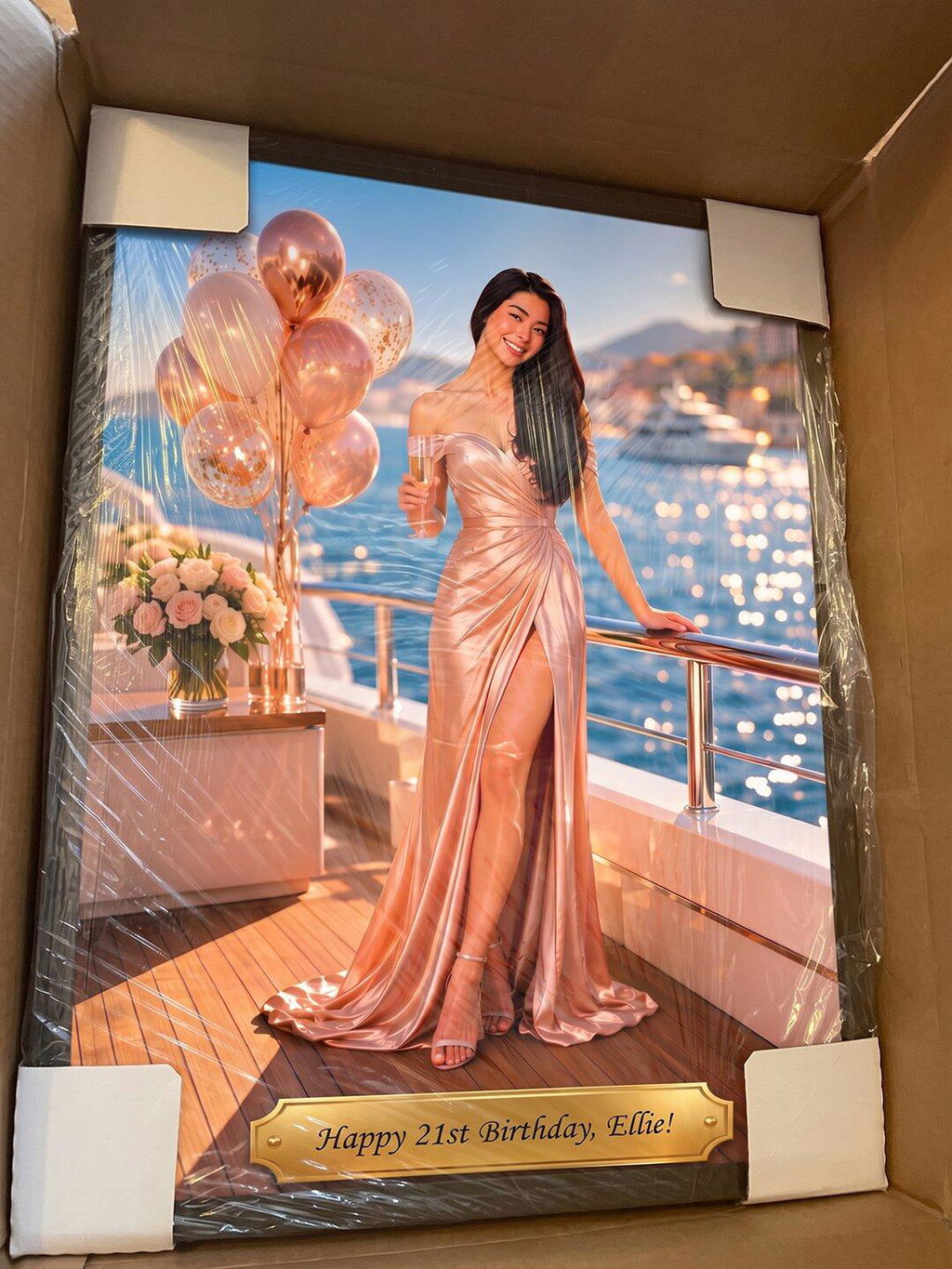
Great product and easy to order. I’m very pleased with the picture I got for my granddaughter’s birthday. It arrived on time, and the packaging kept everything well protected. I’ll definitely purchase from you again.
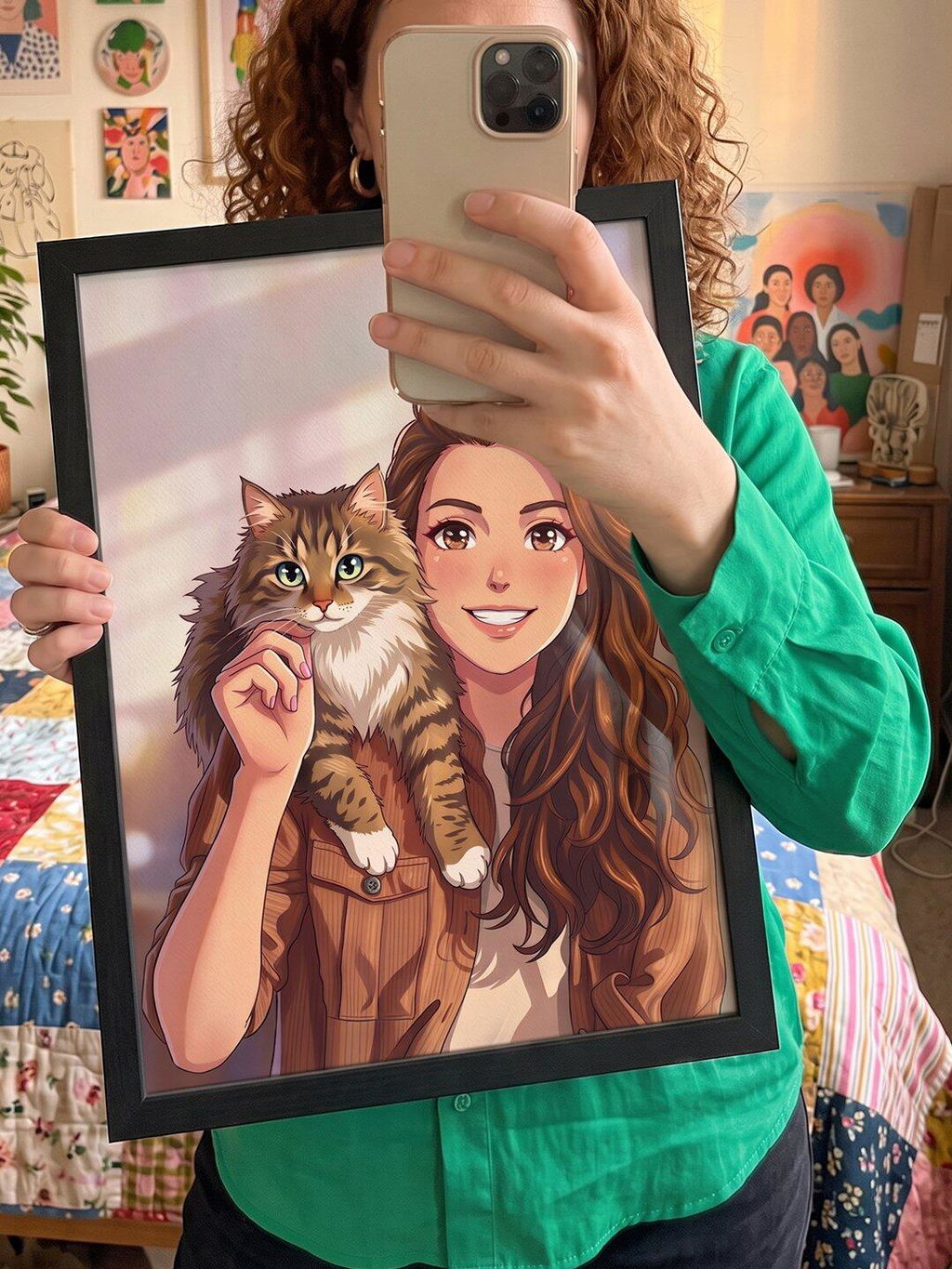
This app did a tremendous job and my anime picture came out amazing. The printed portrait is adorable. Quick turnaround and excellent results.
Excellent service and a superb experience. Professional and timely throughout. The final piece is perfect.
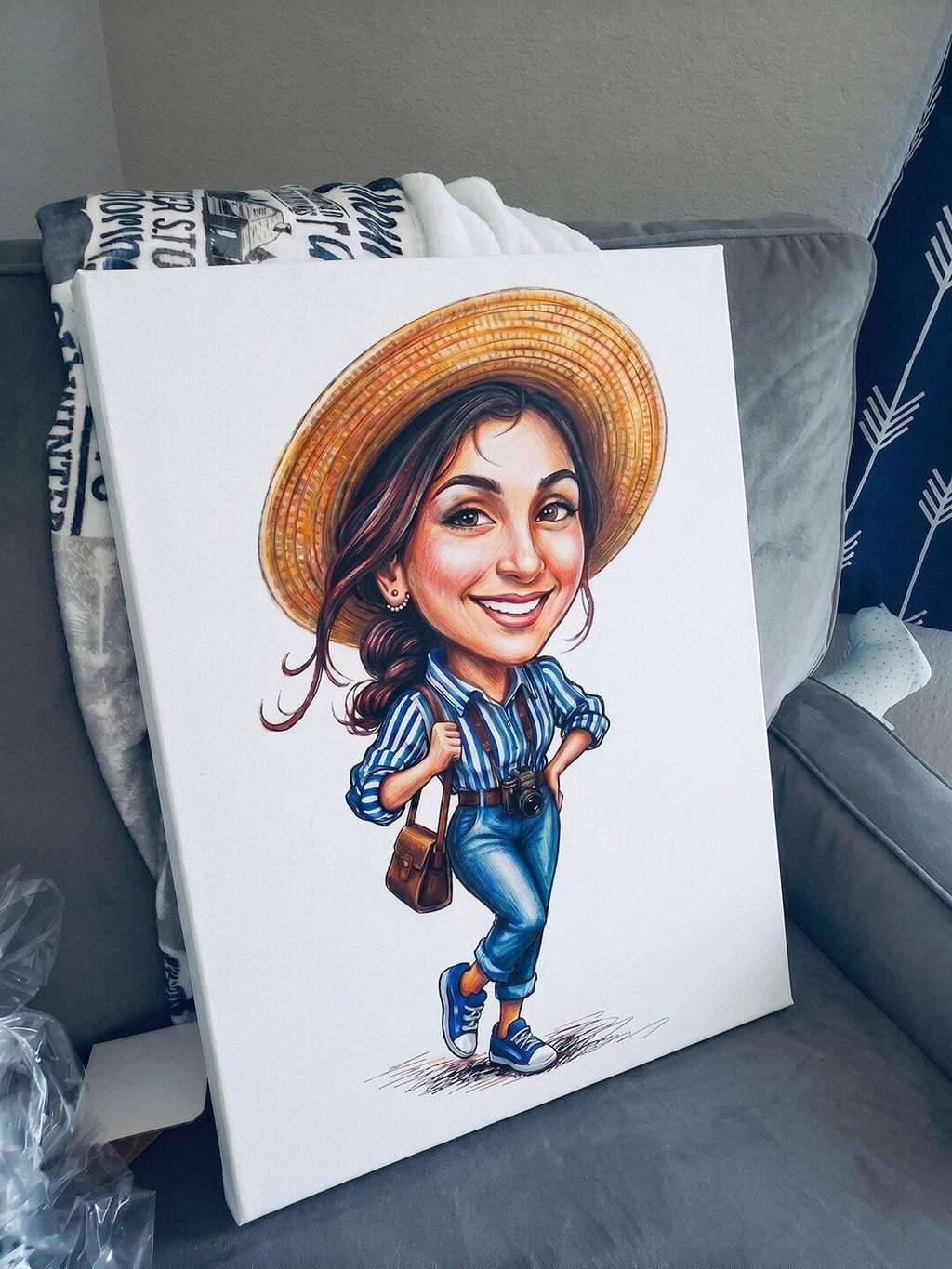
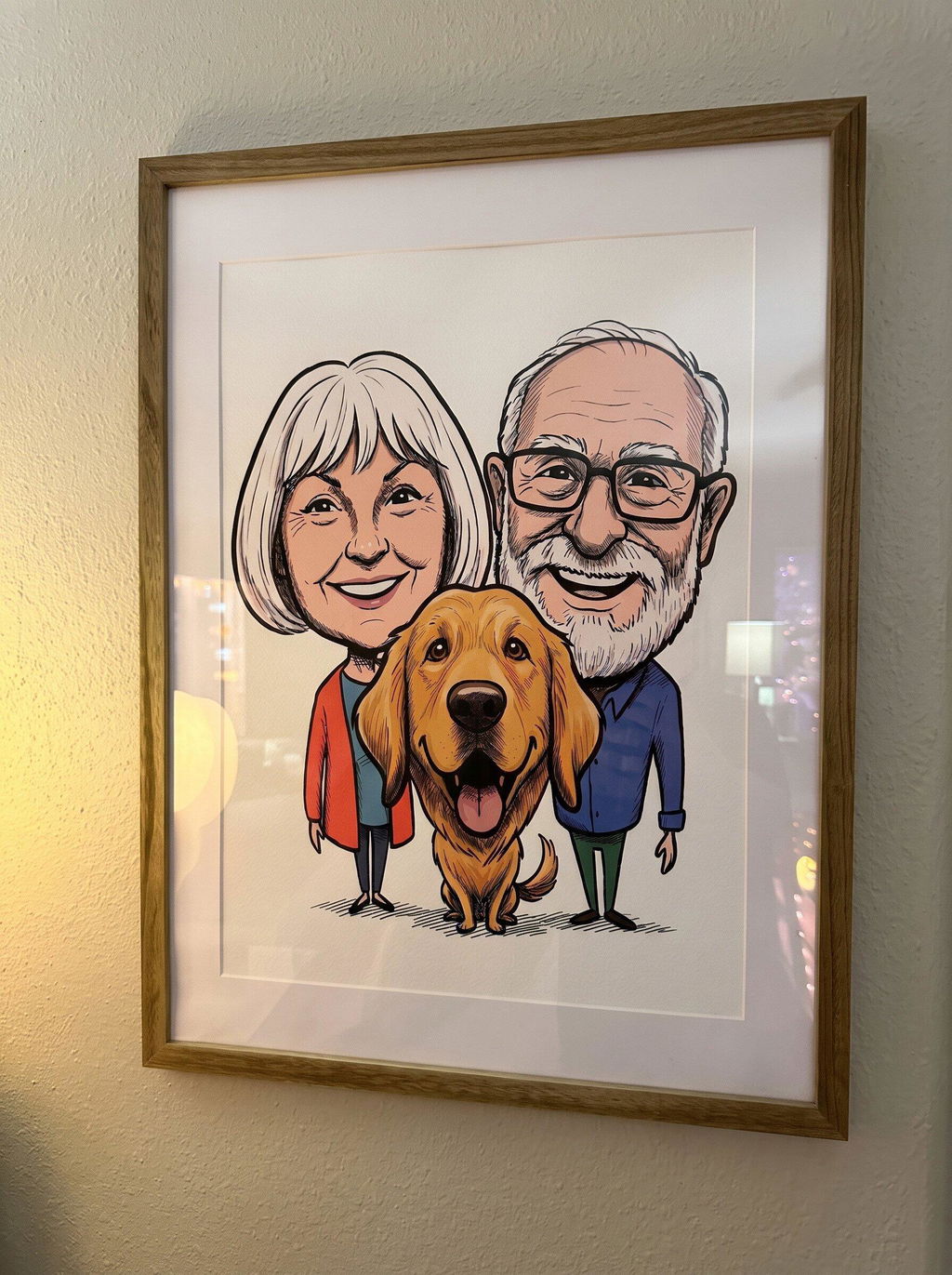
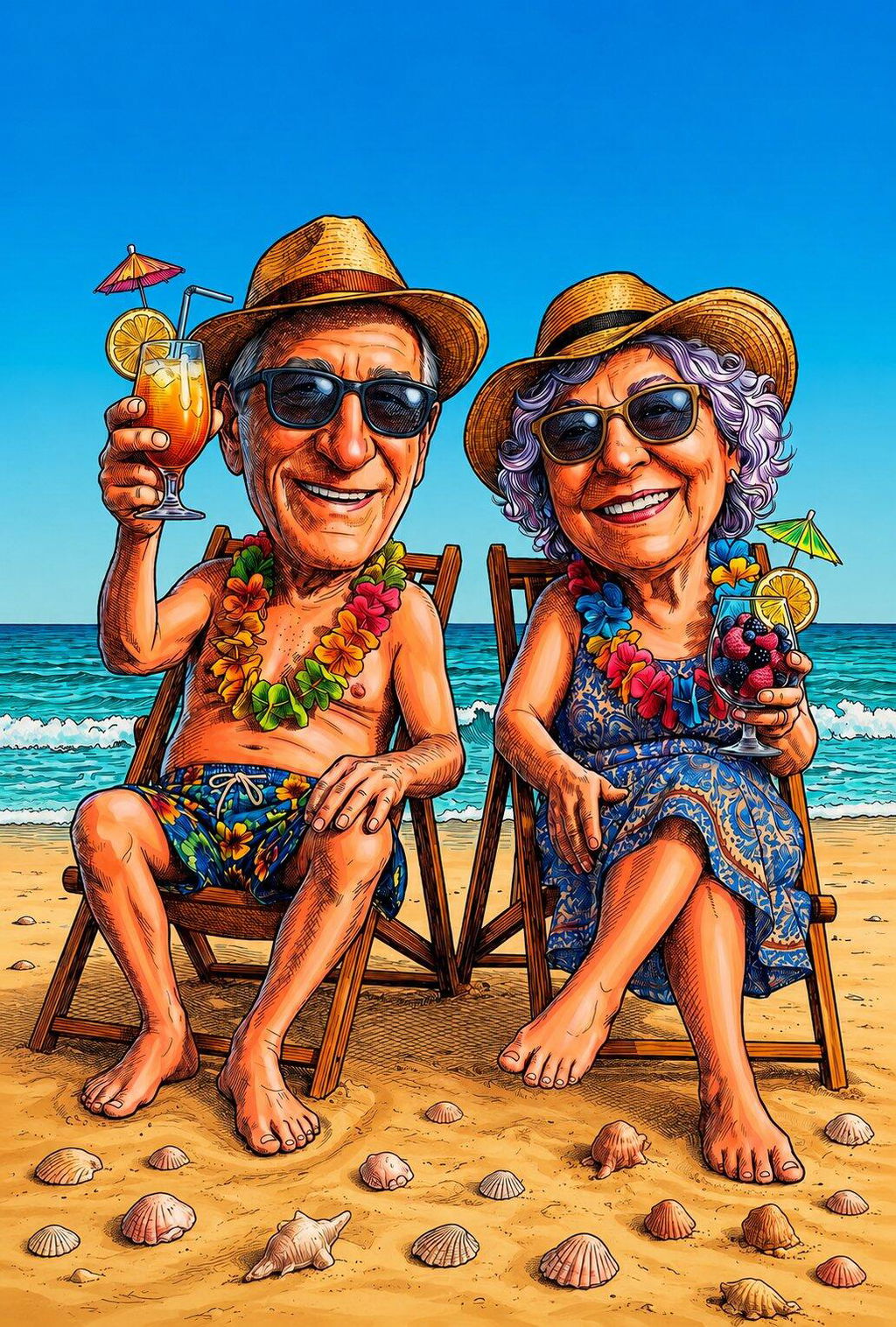
I ordered this caricature for my parents and it’s perfect. Honestly, hilariously perfect. I still can’t believe I made it myself on my phone. The framing looks great, and delivery was quick too. I’ll definitely be ordering more.
The process was easy from start to finish. The artwork is high quality, and the print looks great. My portrait arrived on time and in perfect condition. I couldn’t be happier with this purchase, and I think you’ll be happy with yours too.
I’m impressed with the quality of my picture. It looked nice on screen, and it was beautifully printed and delivered on time. Really happy with this purchase and the overall experience.
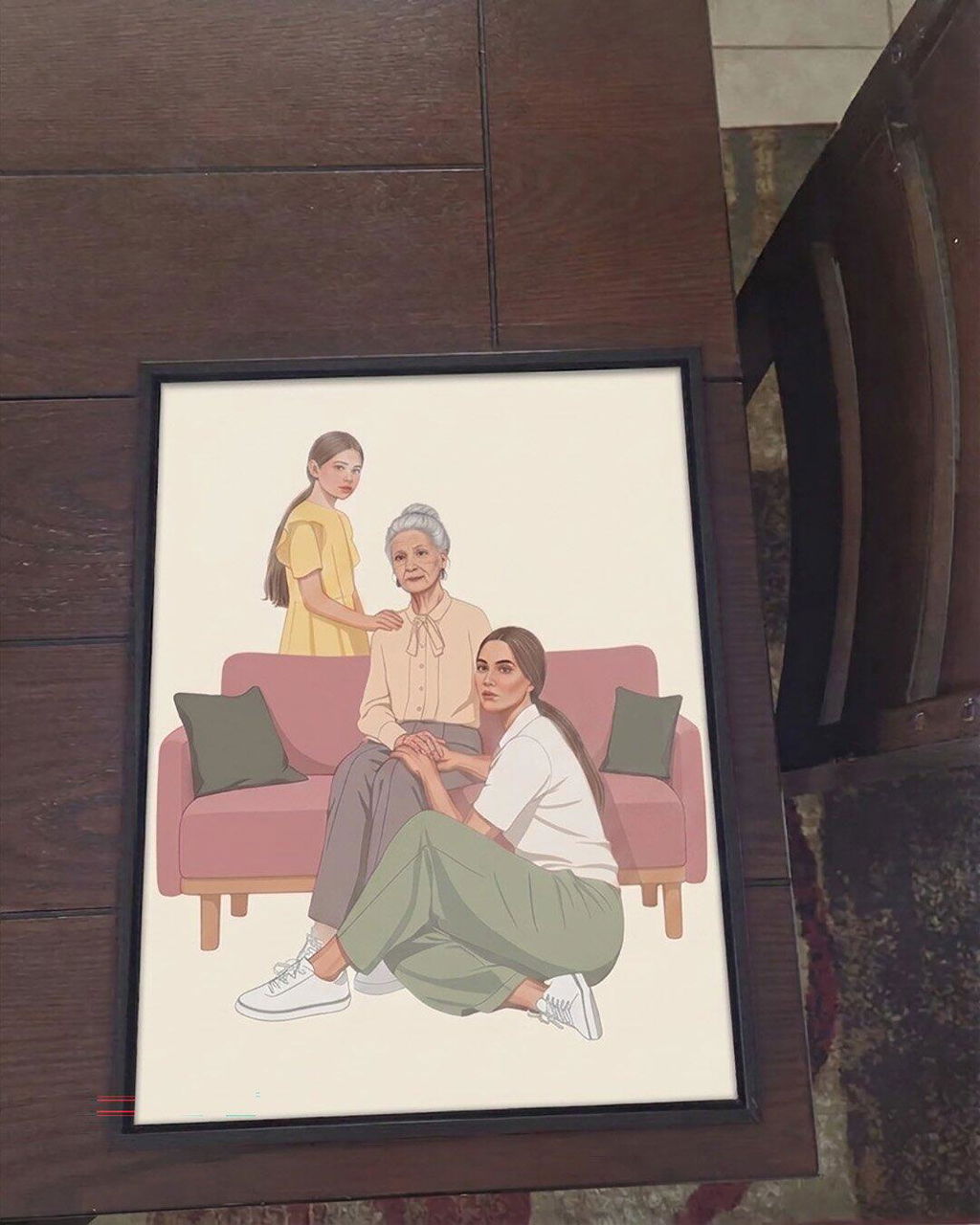
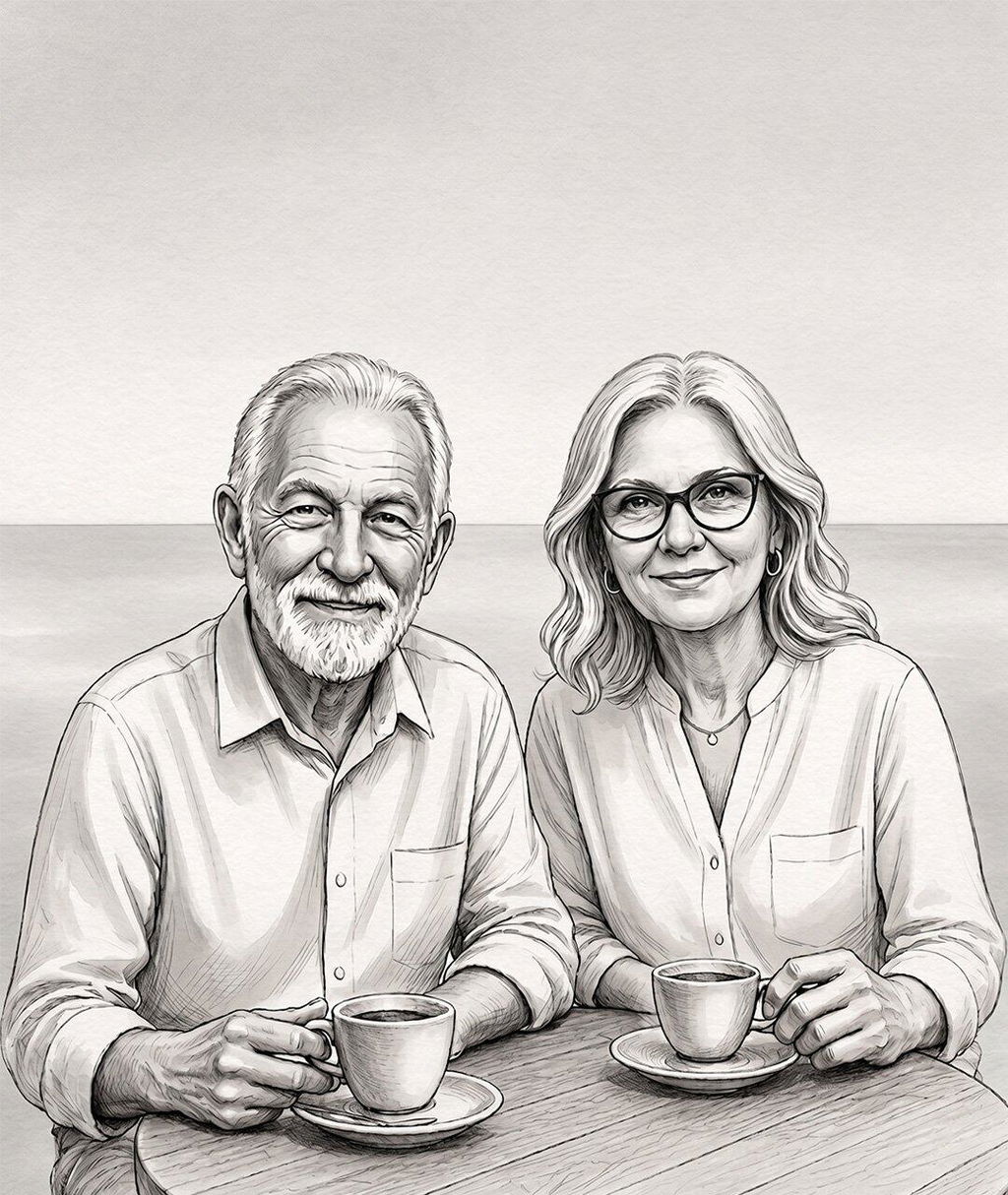
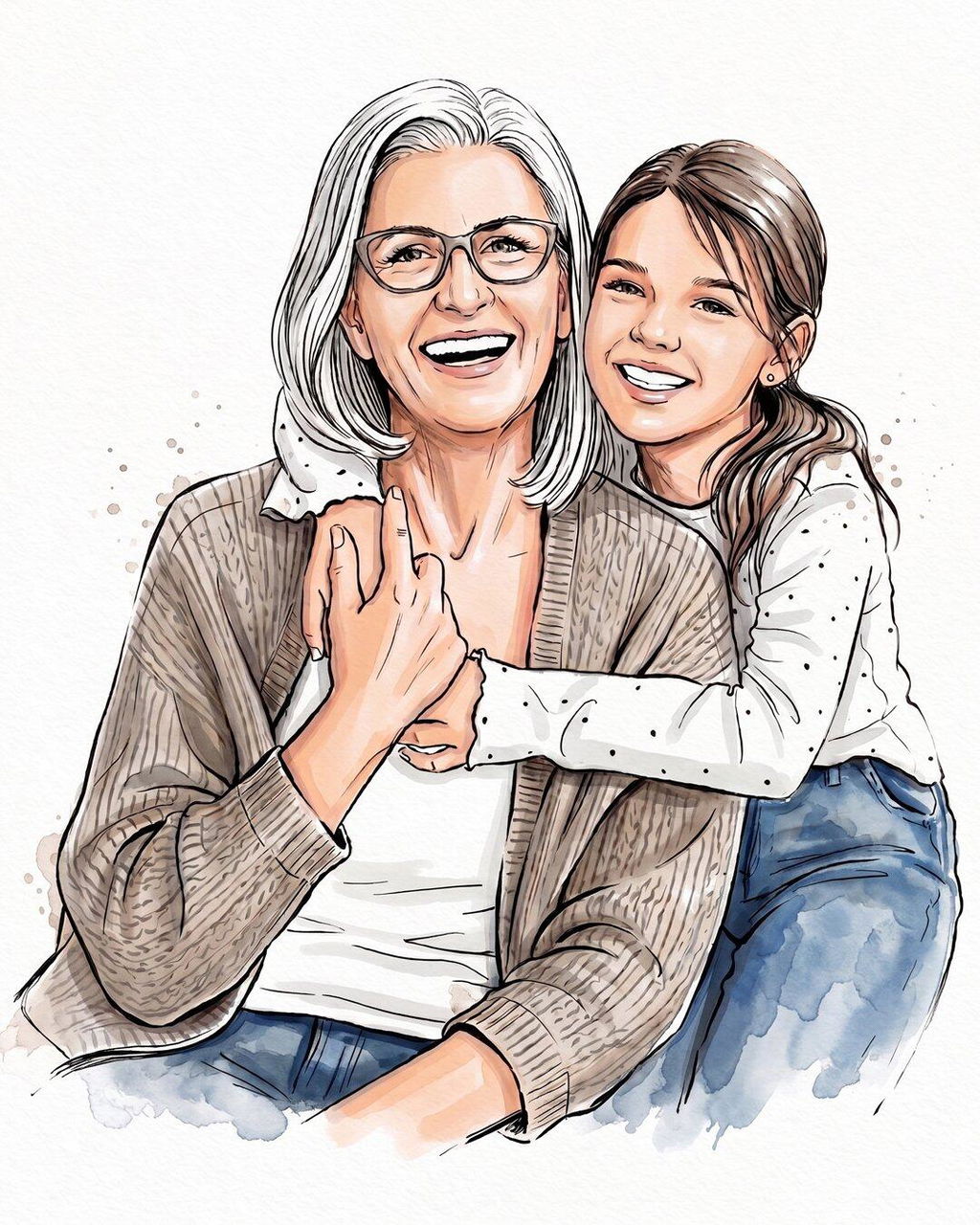
Amazing, I love it. It was done exactly how I envisioned it and everything was absolutely perfect. It made a great birthday gift for my mother, and she was so happy with the picture showing three generations together.
Fantastic app. My image printed beautifully on canvas, and the quality is really good. You definitely get what you pay for. Honestly, it looked even better than I expected.
Great customisation options and really good quality. I absolutely love my new portrait. Very happy with it and I’ll definitely order again.
I was really happy with my purchase. Creating the artwork from my photo was easy, and ordering the print was simple too. The package showed up earlier than expected. The portrait looks just like I hoped it would. I seriously can’t wait to give it to my grandparents.
I was honestly surprised by how good the picture looked and how easy it was to make. I’m definitely not artistic, but the result was amazing. I got it for my best friend’s birthday and she was obsessed with it. The framed print looks even better in person, so of course I ended up ordering one for myself too.
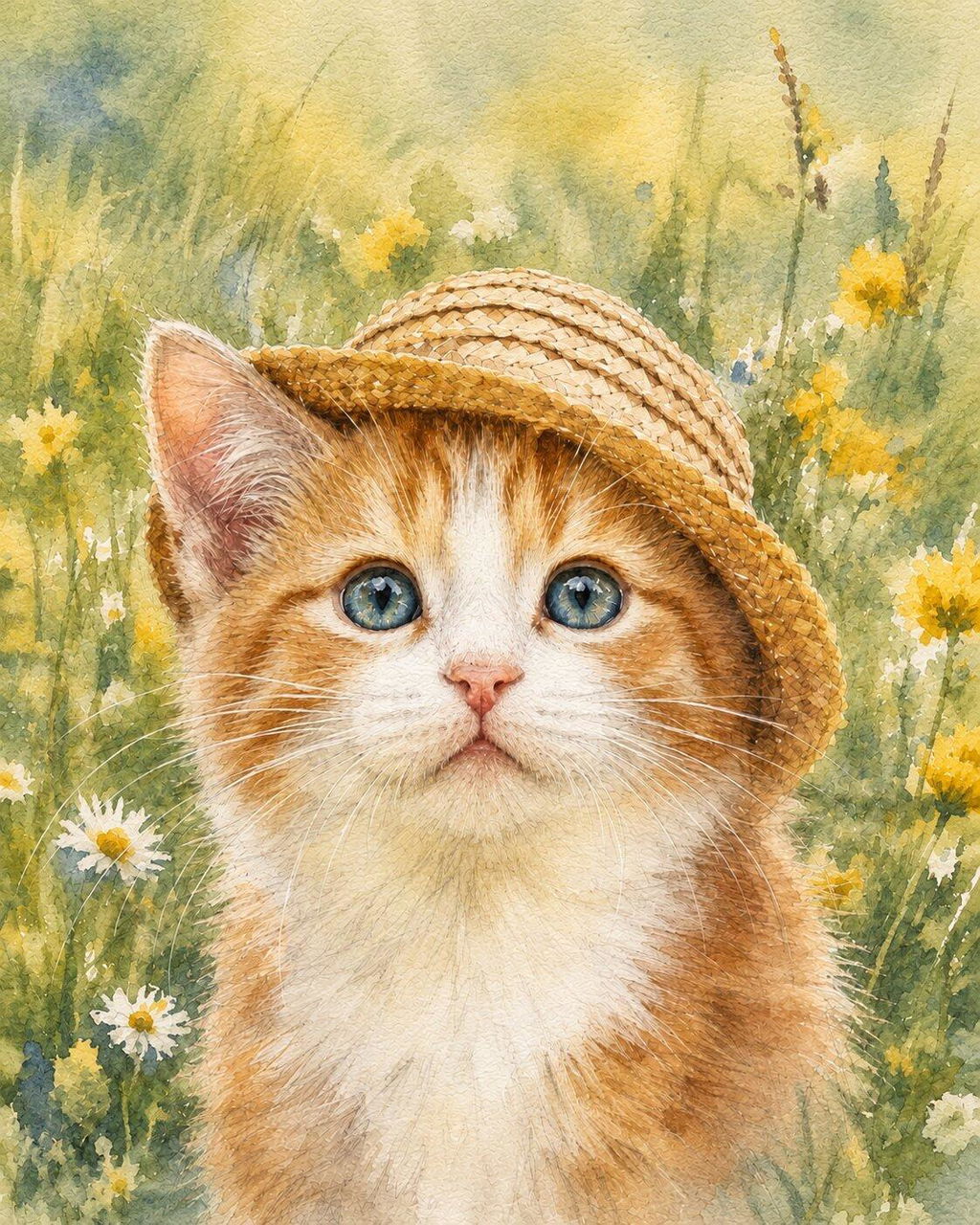
Just wonderful! I absolutely adore the portrait I had made of my kitten. The service was excellent, and the canvas is really good quality. I’d give it 10/10 and would definitely order again.
Great product and a really good experience. The filters were super easy to apply, but what surprised me most was how accurate they were and how well everyone’s likeness was kept. The finished drawing looked awesome, and the poster itself looks amazing. I’d definitely recommend it and plan on ordering again!
The portrait is beautiful and full of warmth, and the print quality is fantastic. I’m really happy with this purchase, it’s exactly what I was looking for. It made a great gift for my mom, and she loved it as soon as she saw it.
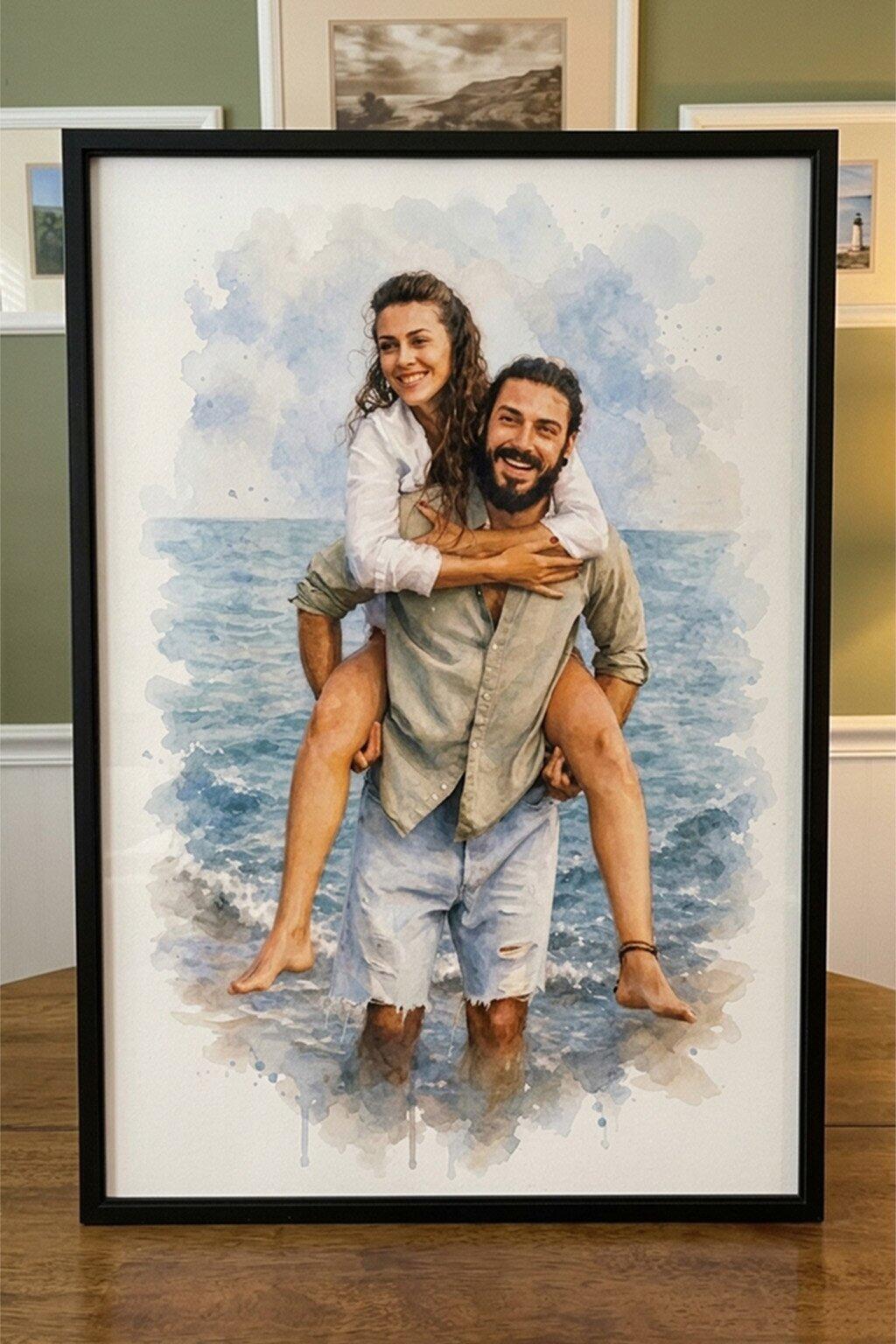
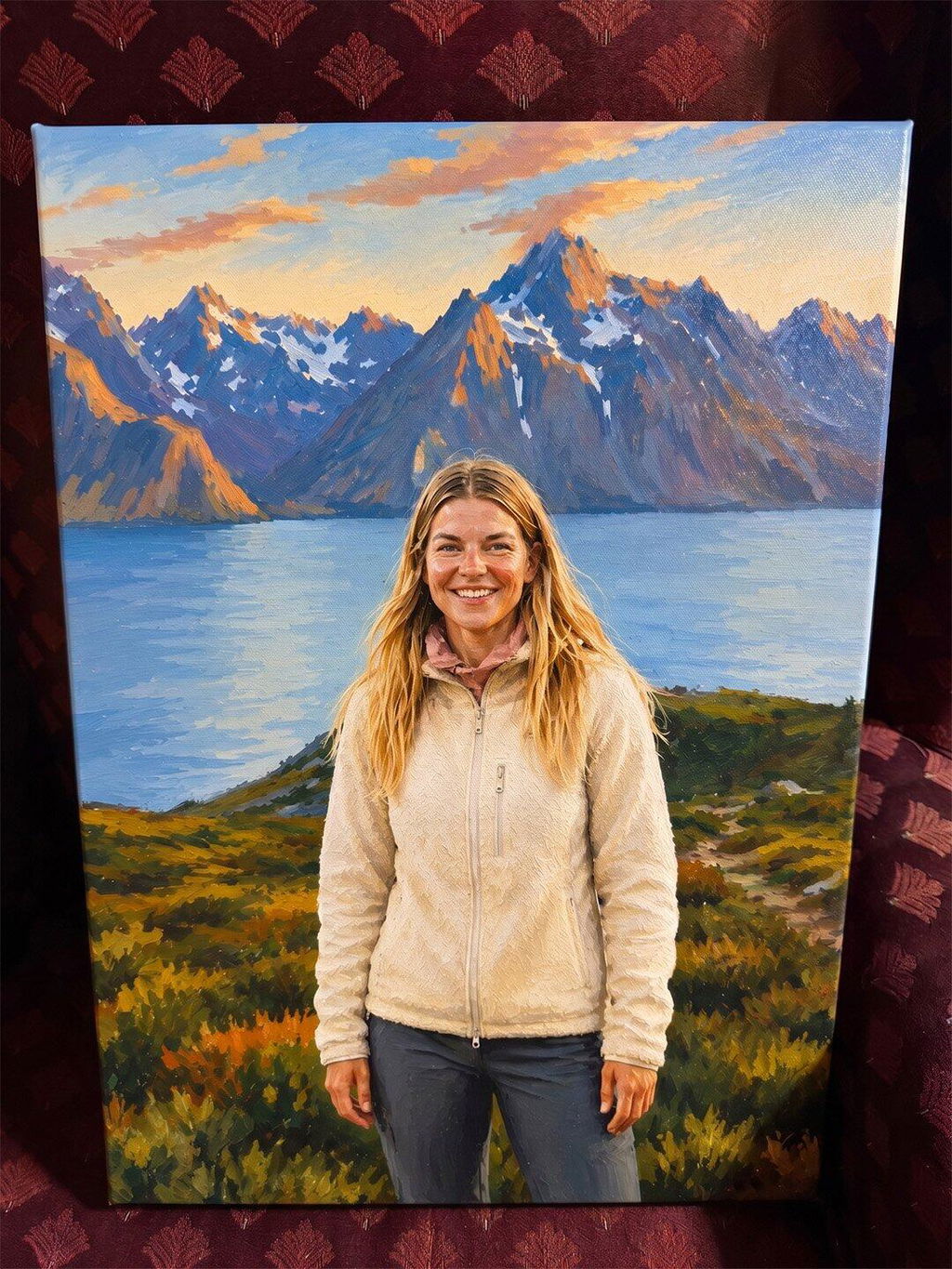
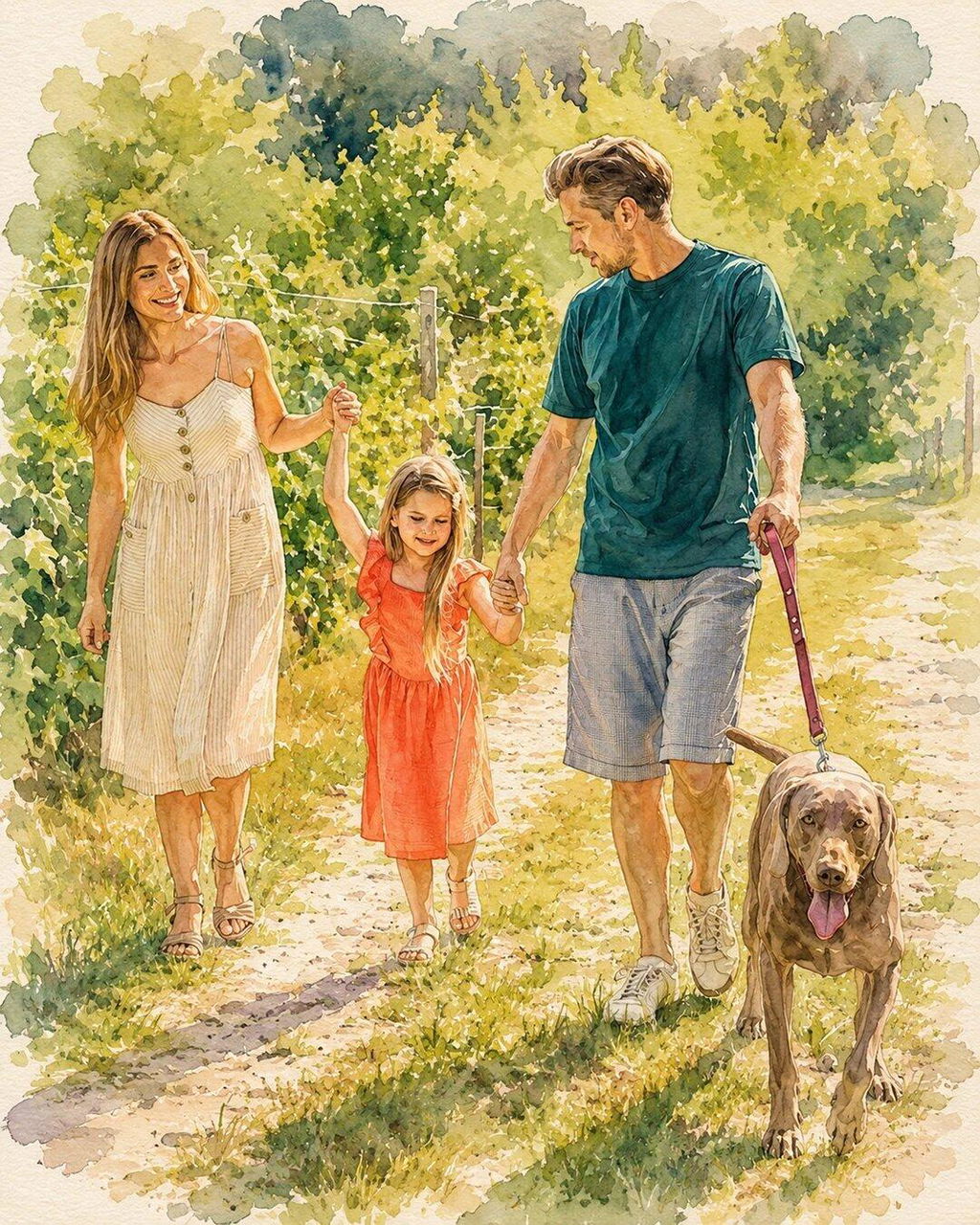
Beautiful templates and really easy to customize. I chose the watercolor style for our family portrait and absolutely love how it came out. The canvas quality is excellent, and the whole piece looks polished and elegant. I’d definitely recommend it.
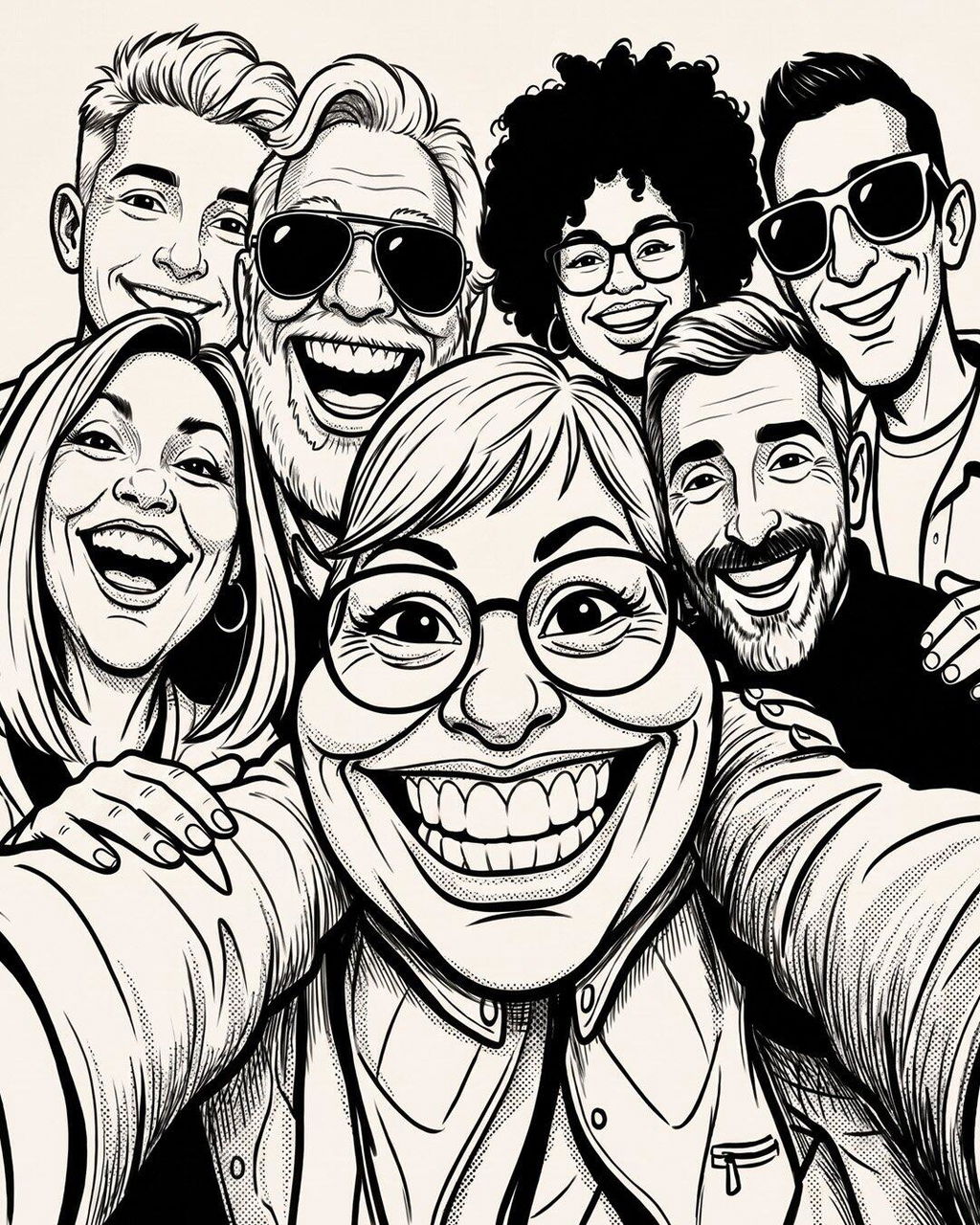
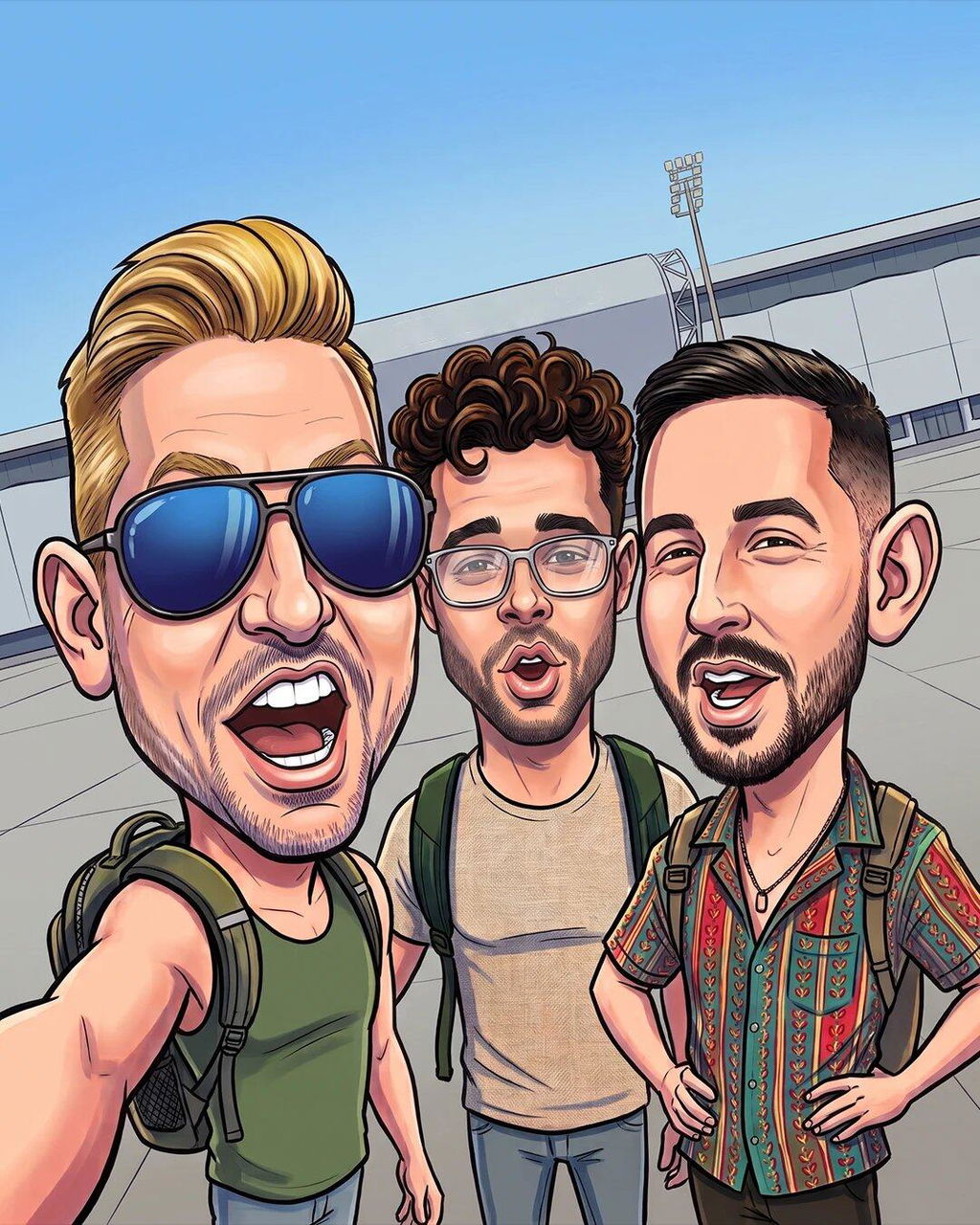
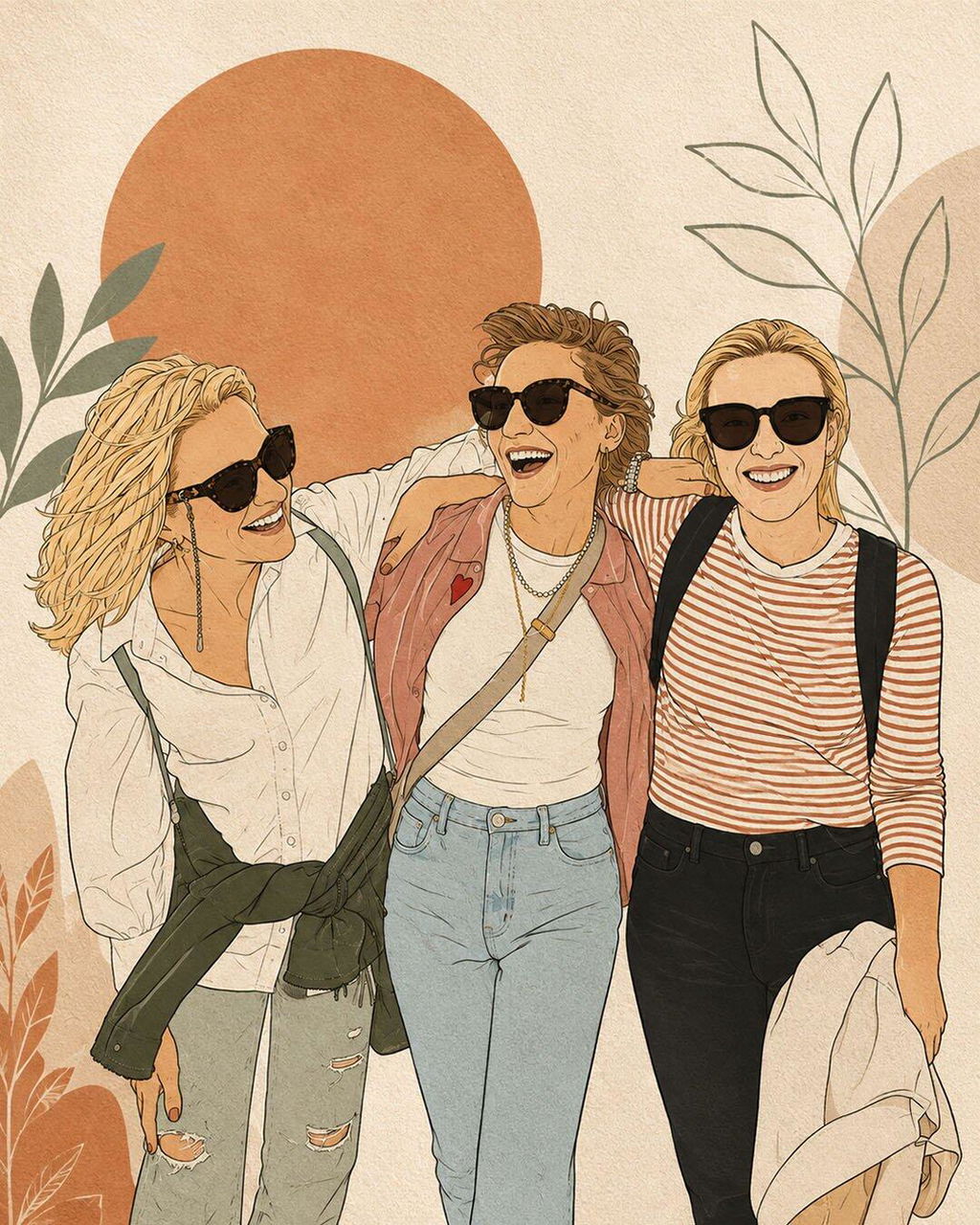
Really easy to customise and heaps of different styles to choose from. I went with a caricature of me and my mates, and the print looked so good I ended up ordering two more copies for them. The second order arrived really quickly too.
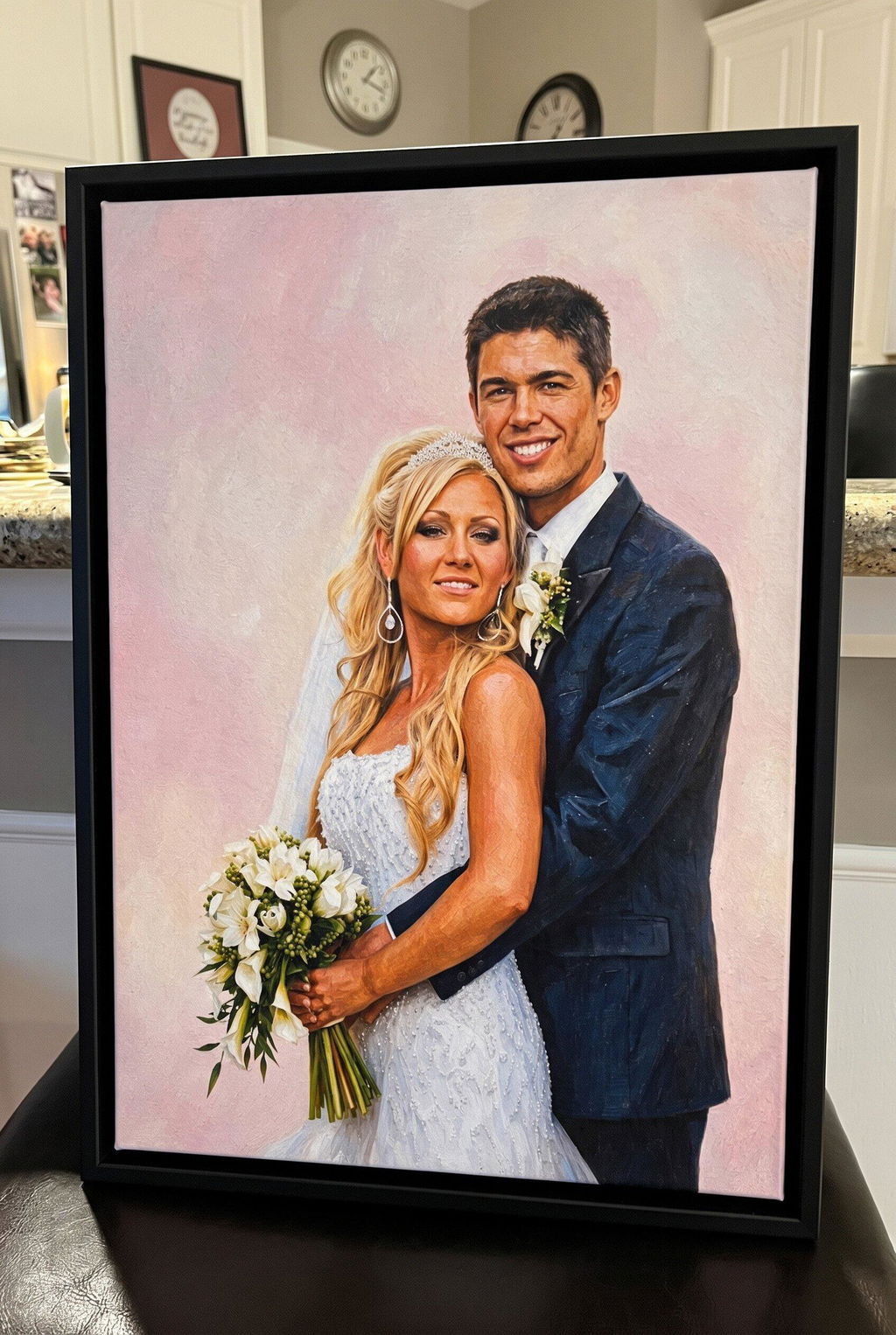
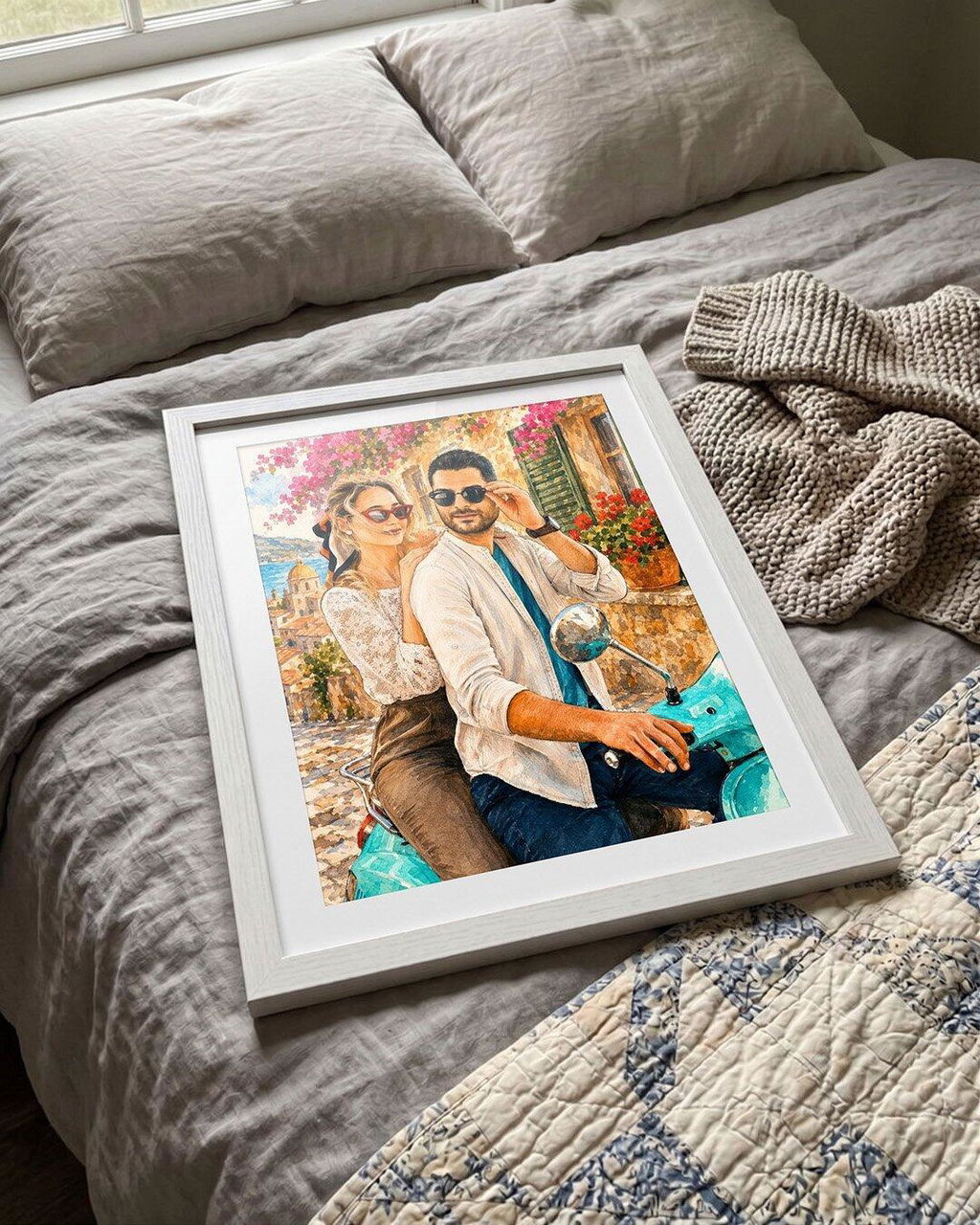
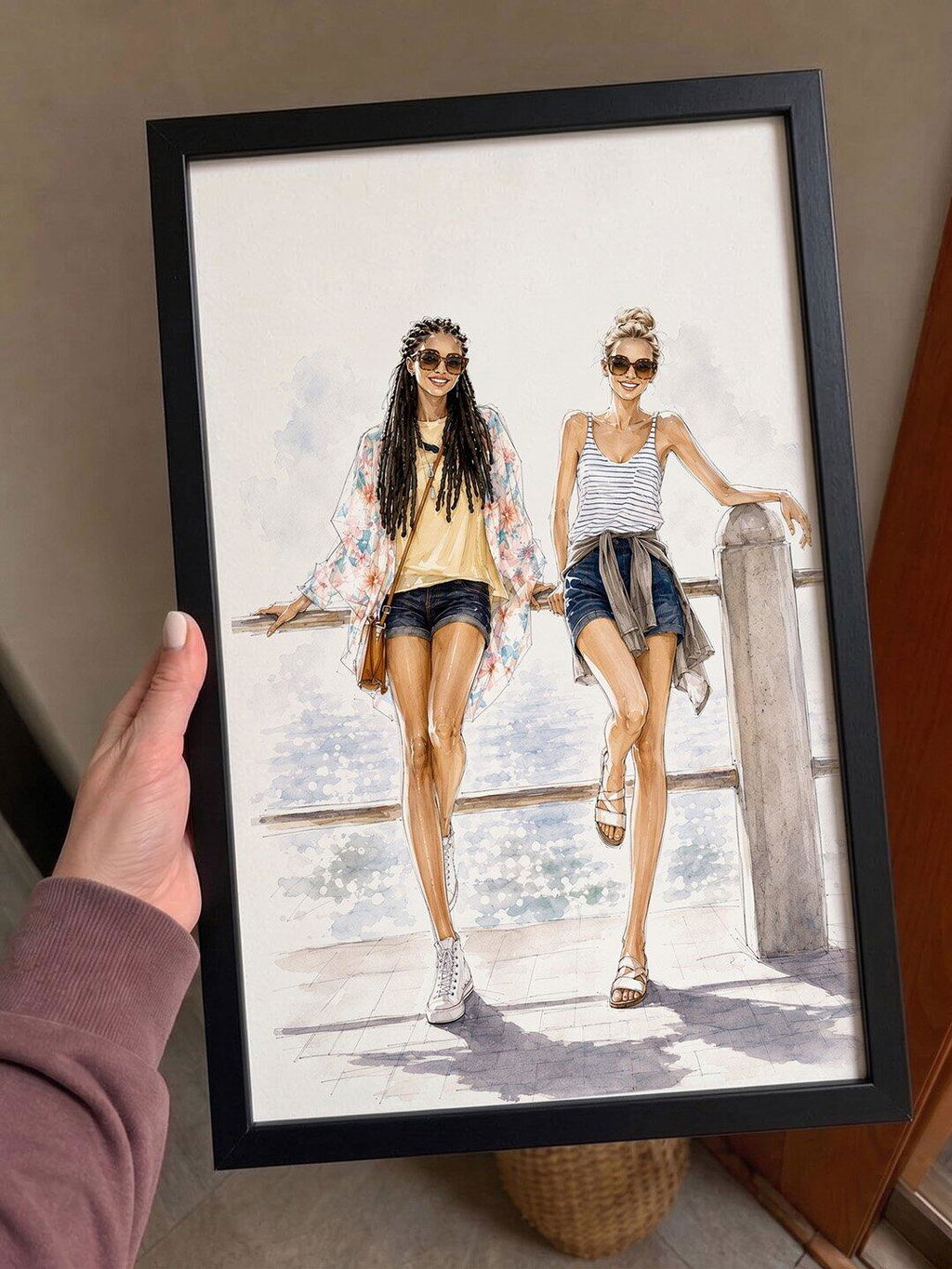
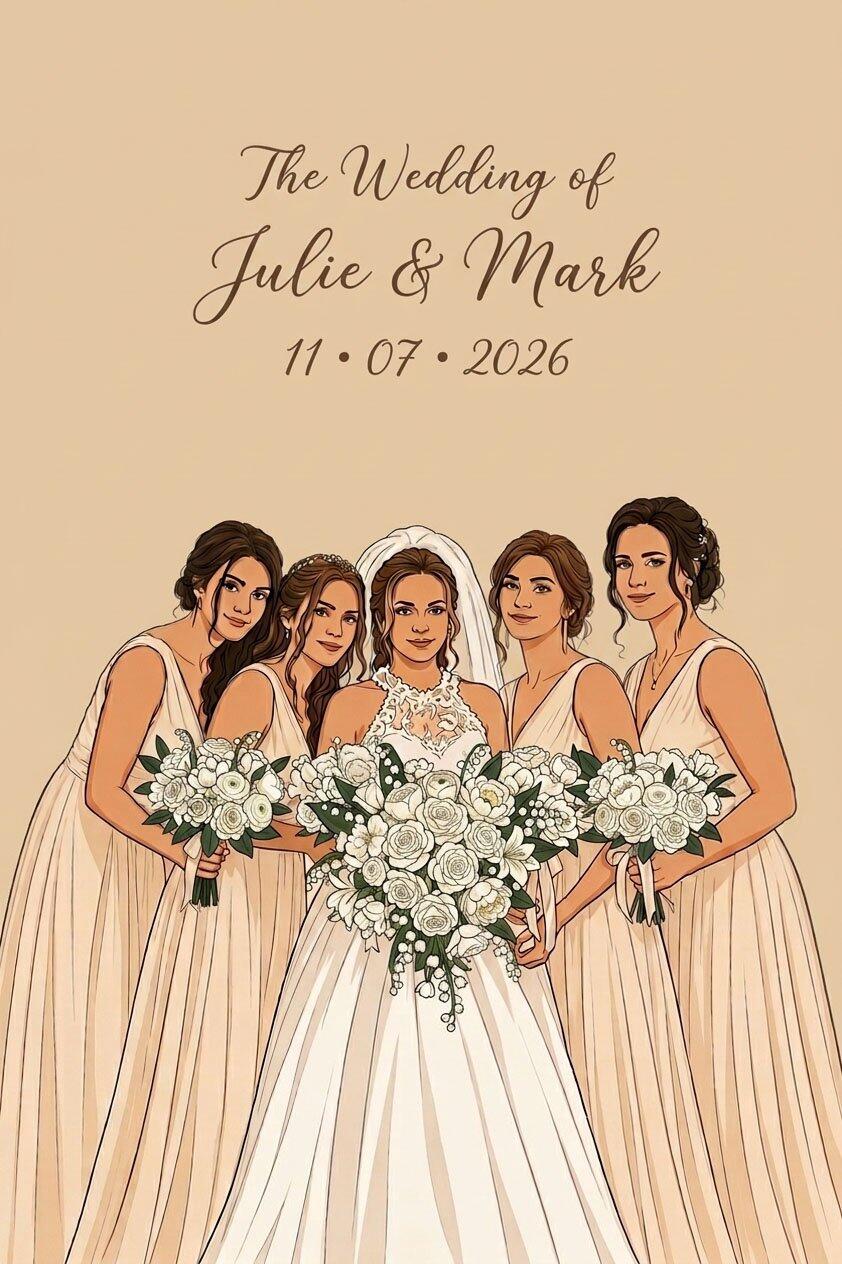
Very happy with how our wedding photo came out in this illustration style. We had it framed as a gift for the bridesmaids and they all loved it. The picture looked really nice and made such a sweet keepsake from the day. We were so happy with it that we also ordered a similar set for the groomsmen.
Excellent service and a beautifully done picture. It arrived promptly and I’m delighted with it. I’ll definitely be shopping here again.
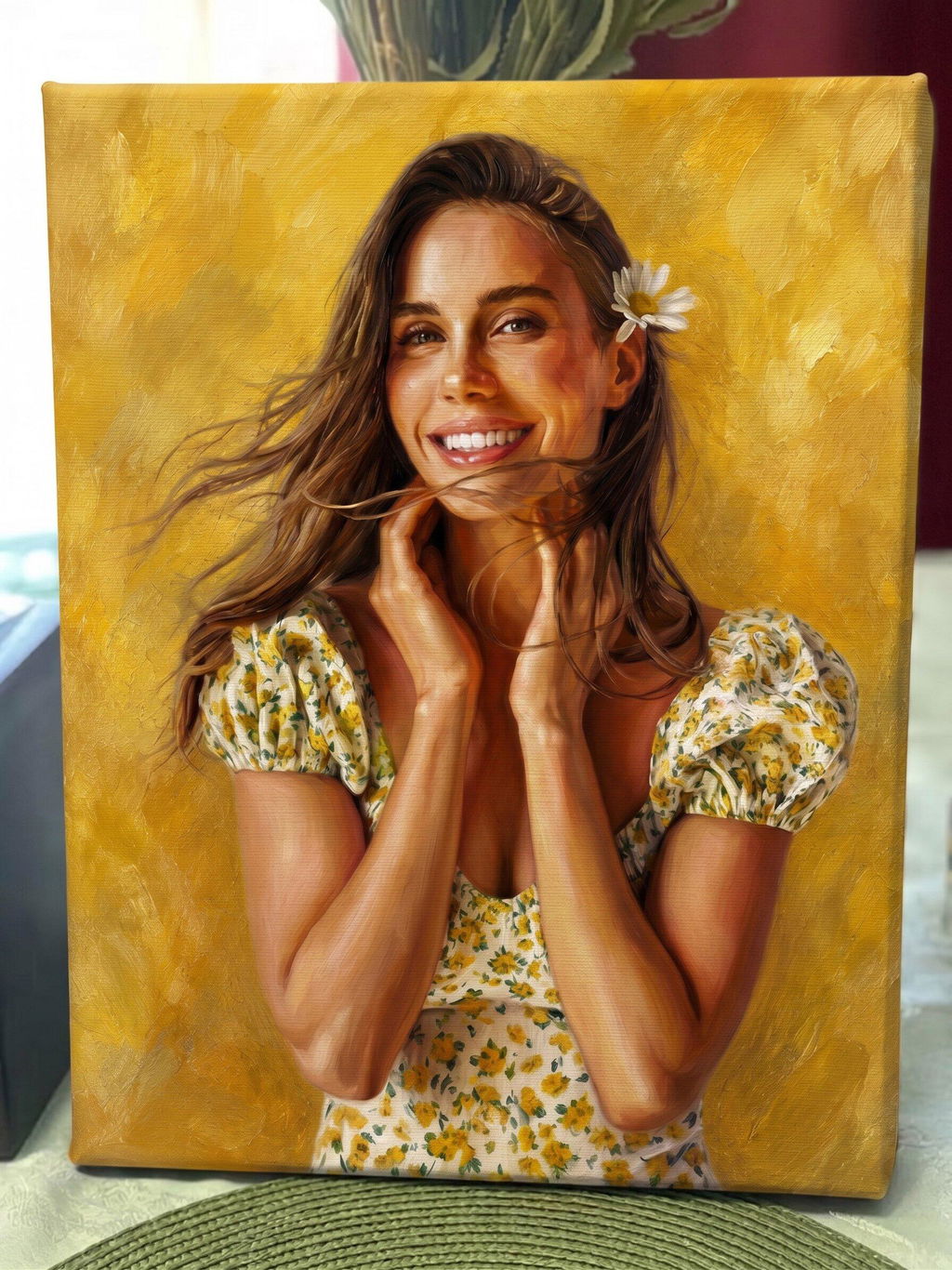
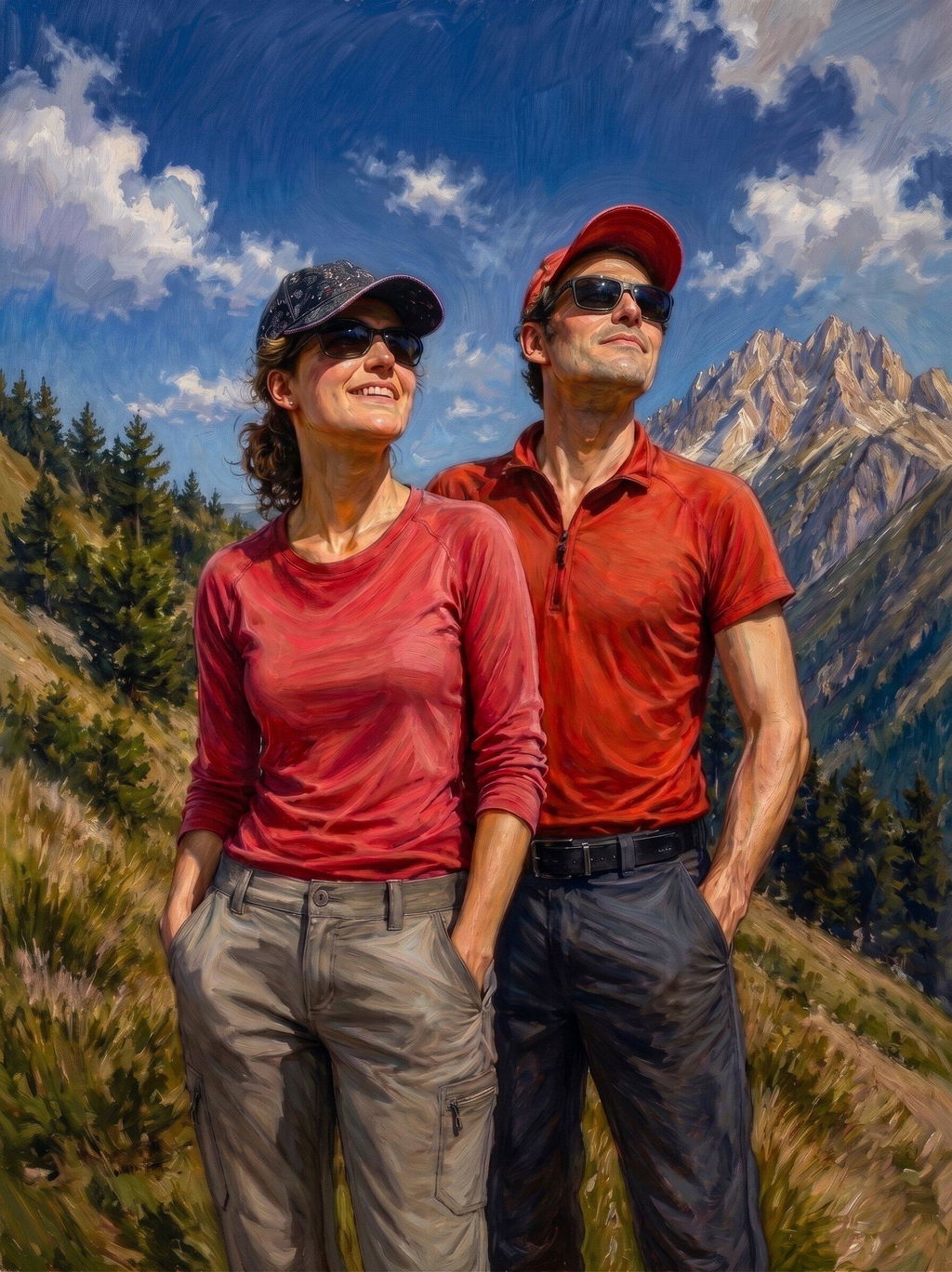
I really liked the range of customization options and had fun trying different looks to see what worked best. I originally just wanted to add a funny effect to our photo, but ended up choosing an oil painting style and really liked how it turned out. The quality is great, and I’m very happy with the picture. I’ve already had people asking me where I had it done. I’d definitely order from them again!
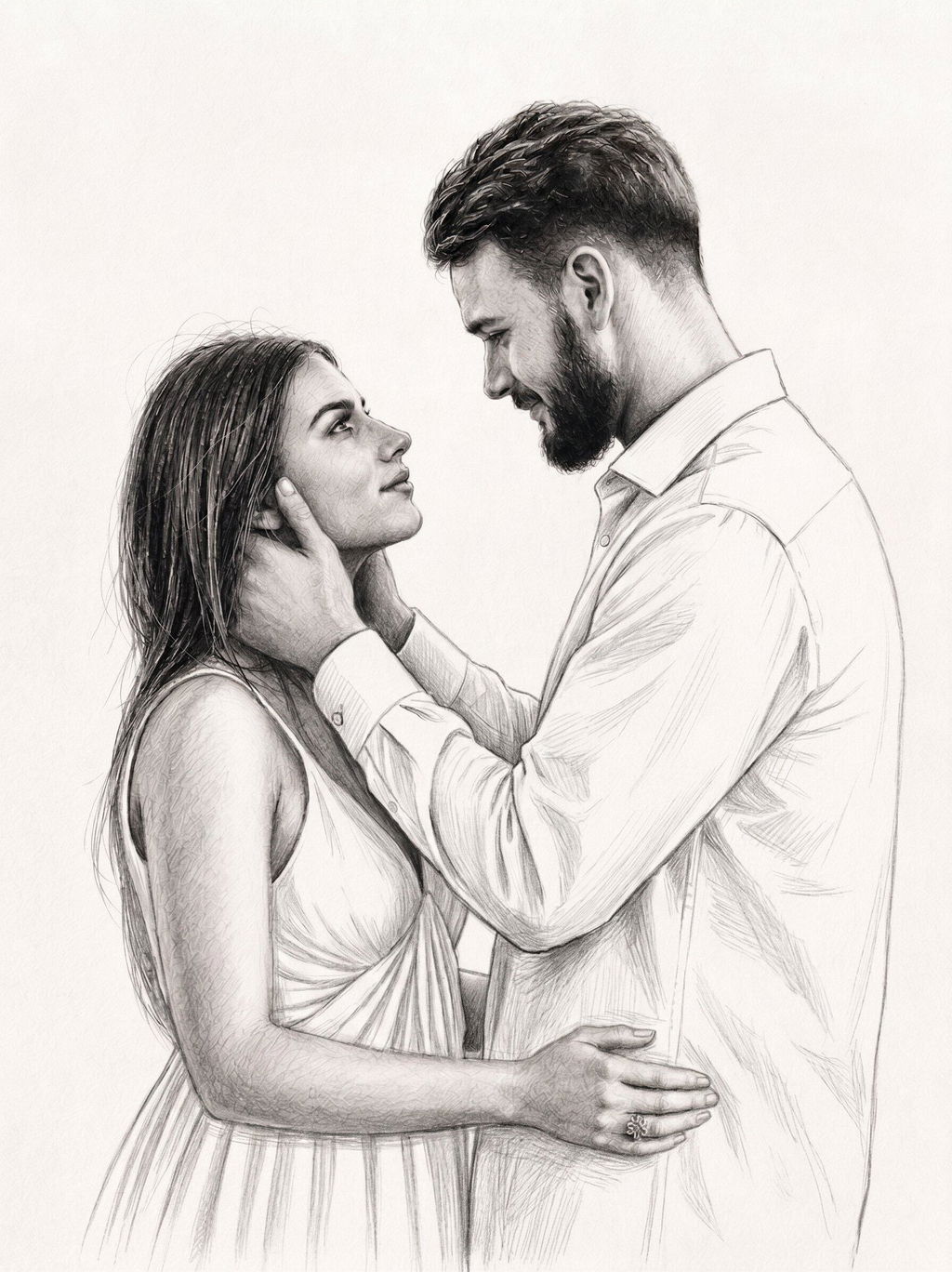
I was looking for the perfect anniversary gift for my girlfriend and wanted something that felt personal. I’m not an artist or especially creative, so I spent a while looking around before I found this site. After trying a few different styles, I went with a hand-drawn sketch from our engagement photo. It was really easy to apply, and the printed version came out even better than I expected. I can’t wait to give it to her. It’s such a cute and meaningful gift.
Absolutely love the picture I created from my photo. The artwork looked great, and the printed image looked even better. The whole process was easy, from creating the design to ordering and delivery. I’m really happy with how everything turned out and would definitely recommend it. I already have a few more orders planned.